
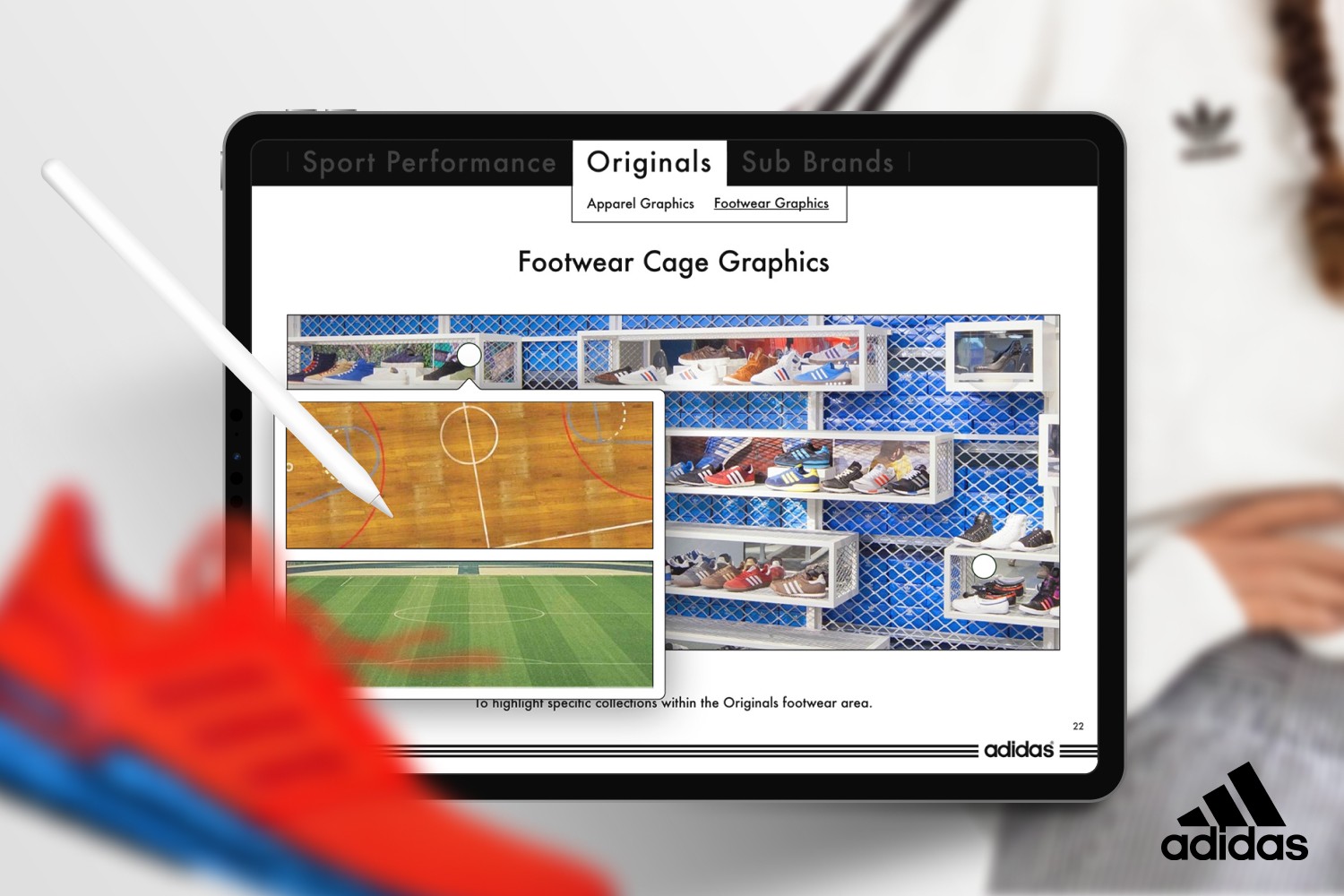

Interactive merchandising learning tools used by store employees
Introduction
Adidas store teams around the world follow visual merchandising guidelines to create clear, inspiring and consistent retail environments. To support this, I designed a set of interactive learning tools used directly on the shop floor. The guides help employees understand folding techniques, fixture layouts and brand presentation principles in a practical and accessible way.
Challenge
The goal was simple: Make learning easier, make consistency achievable.
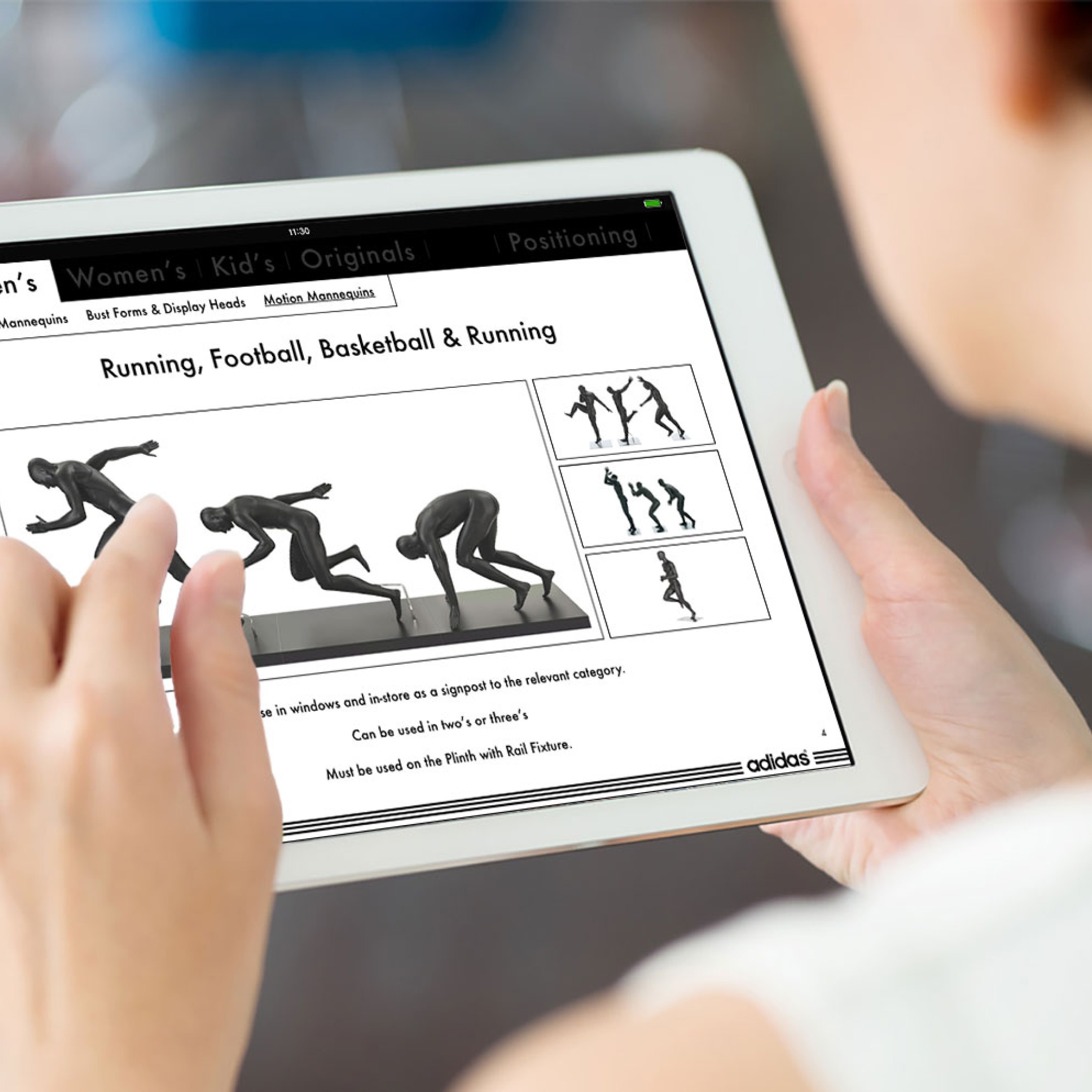
Adidas has thousands of stores, many formats and a wide range of roles and skill levels across teams. Everyone needs access to the same visual merchandising knowledge, but not everyone needs the same information at the same moment. A person working in footwear should be able to quickly find exactly what applies to footwear. The same goes for apparel, store windows or specialty brand zones.
The challenge was to organize a large amount of content in a way that feels natural to navigate, while still remaining aligned with adidas brand standards. Information needed to be easy to find, easy to understand and supportive in real store environments where time is limited and expectations are high.
Process
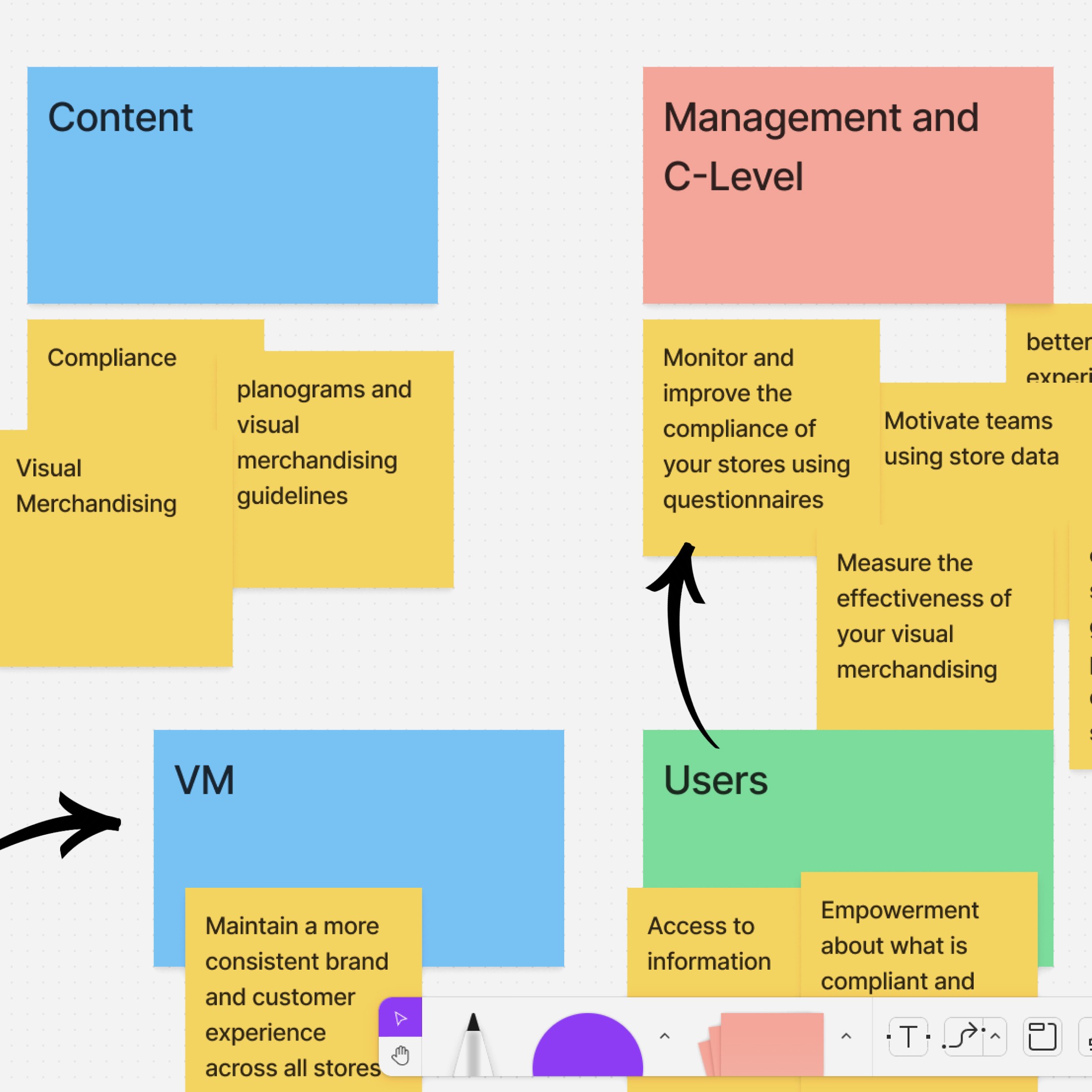
We began by speaking with store employees, regional VM managers and stakeholders to understand goals, habits and pain points. Interestingly, both sides shared the same aim. Headquarters wanted store consistency. Store employees wanted their stores to look great. The alignment was already there. We just had to design the tool that supported that shared goal.
Next, we focused on structuring the information. After reviewing all existing documents, photographs and training materials, a clear pattern emerged. The content could be grouped into three layers:
sub-brand
product or fixture type
specific application details category
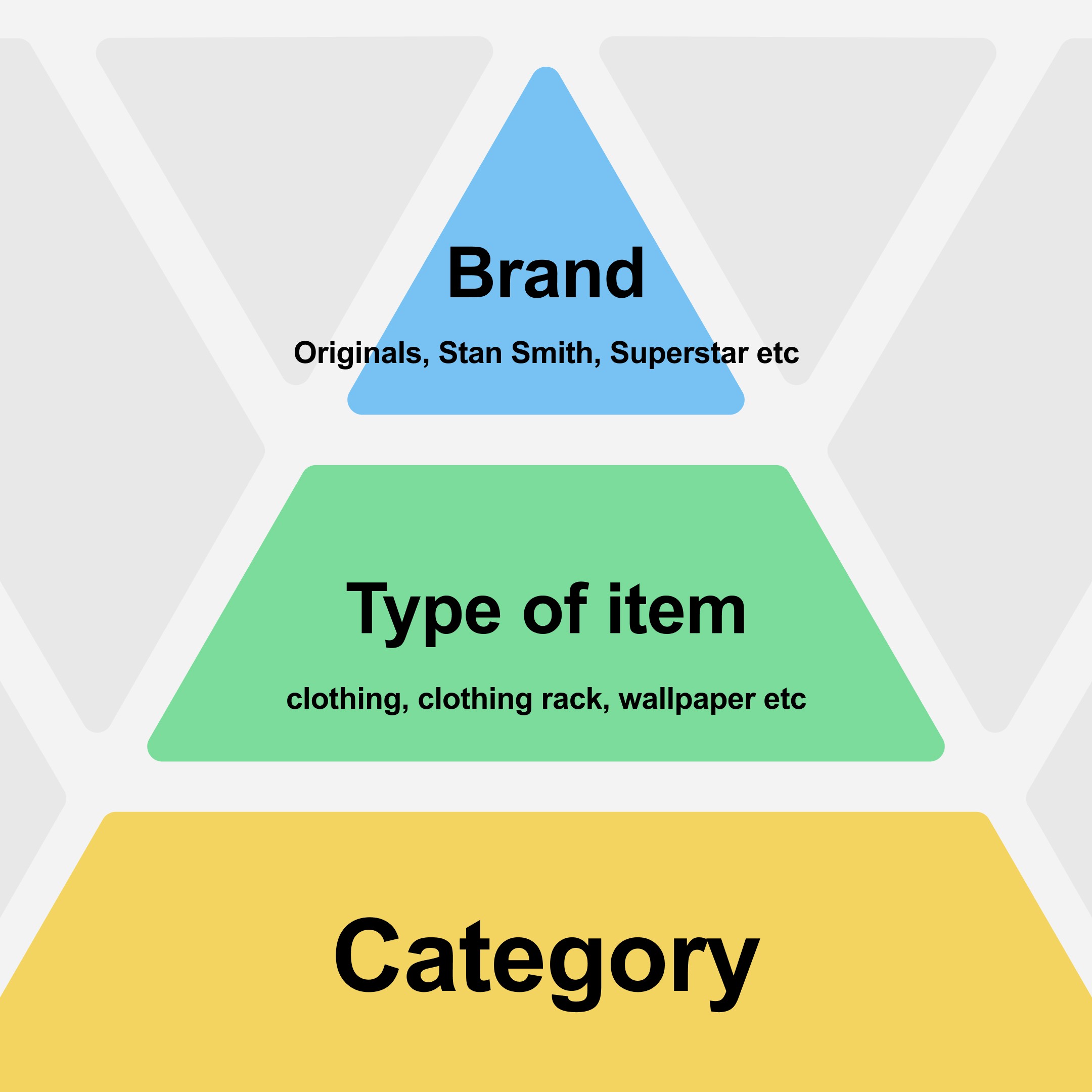
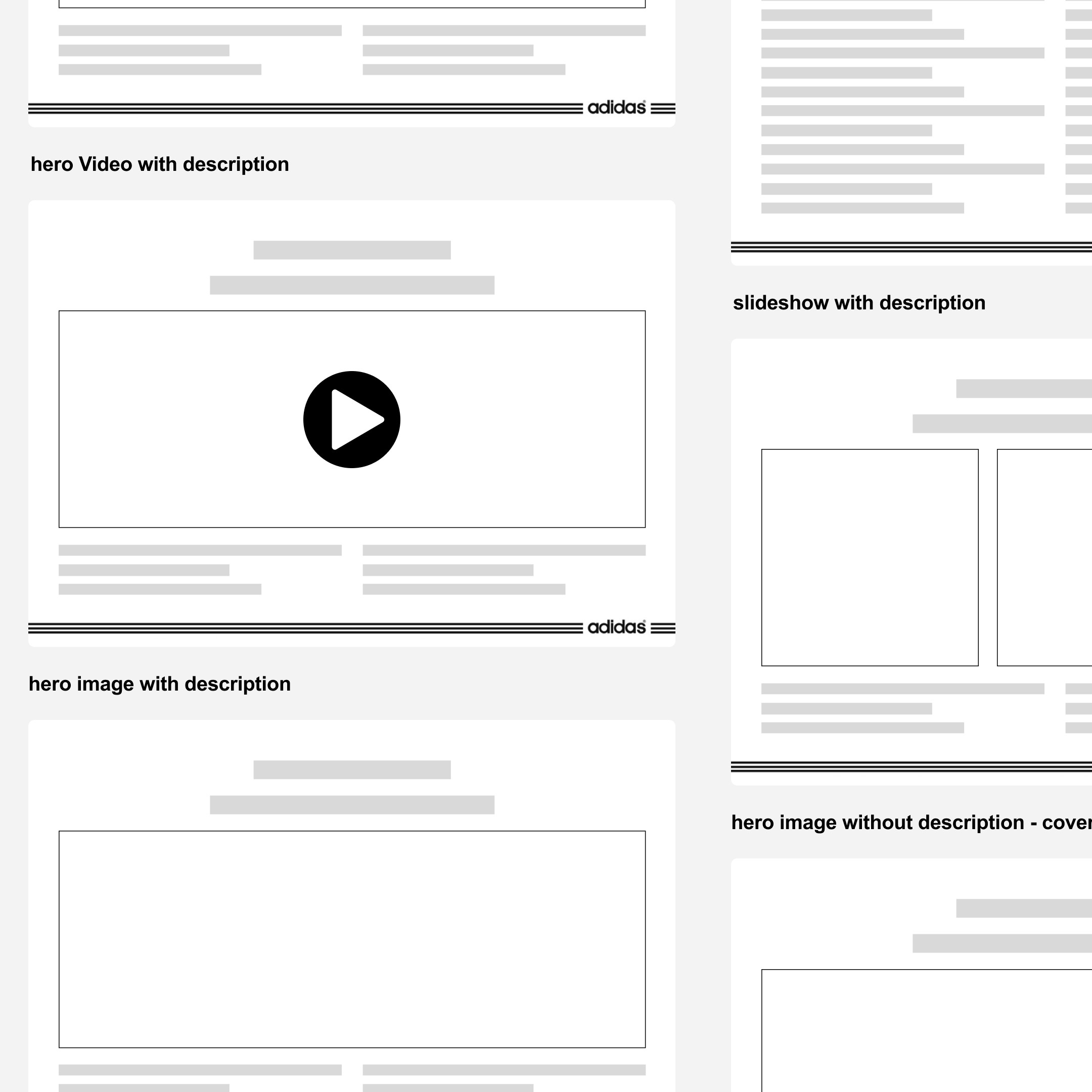
This structure became the backbone of the experience. We wireframed using templates to create familiarity and scanning ease. We tested early versions with actual store employees to learn how they searched, navigated and recalled information. Feedback drove iteration, particularly around hierarchy and the flow of learning.
Solution
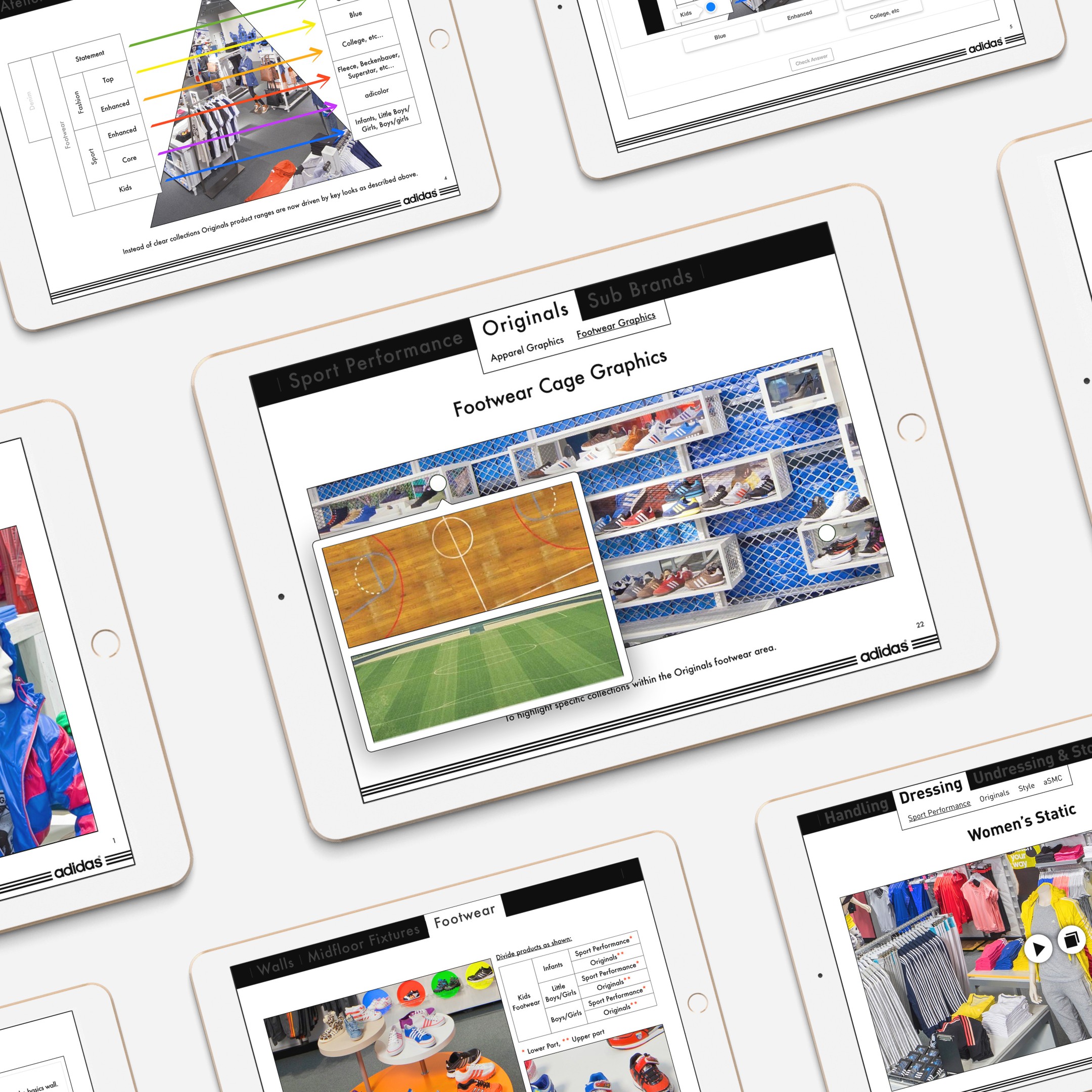
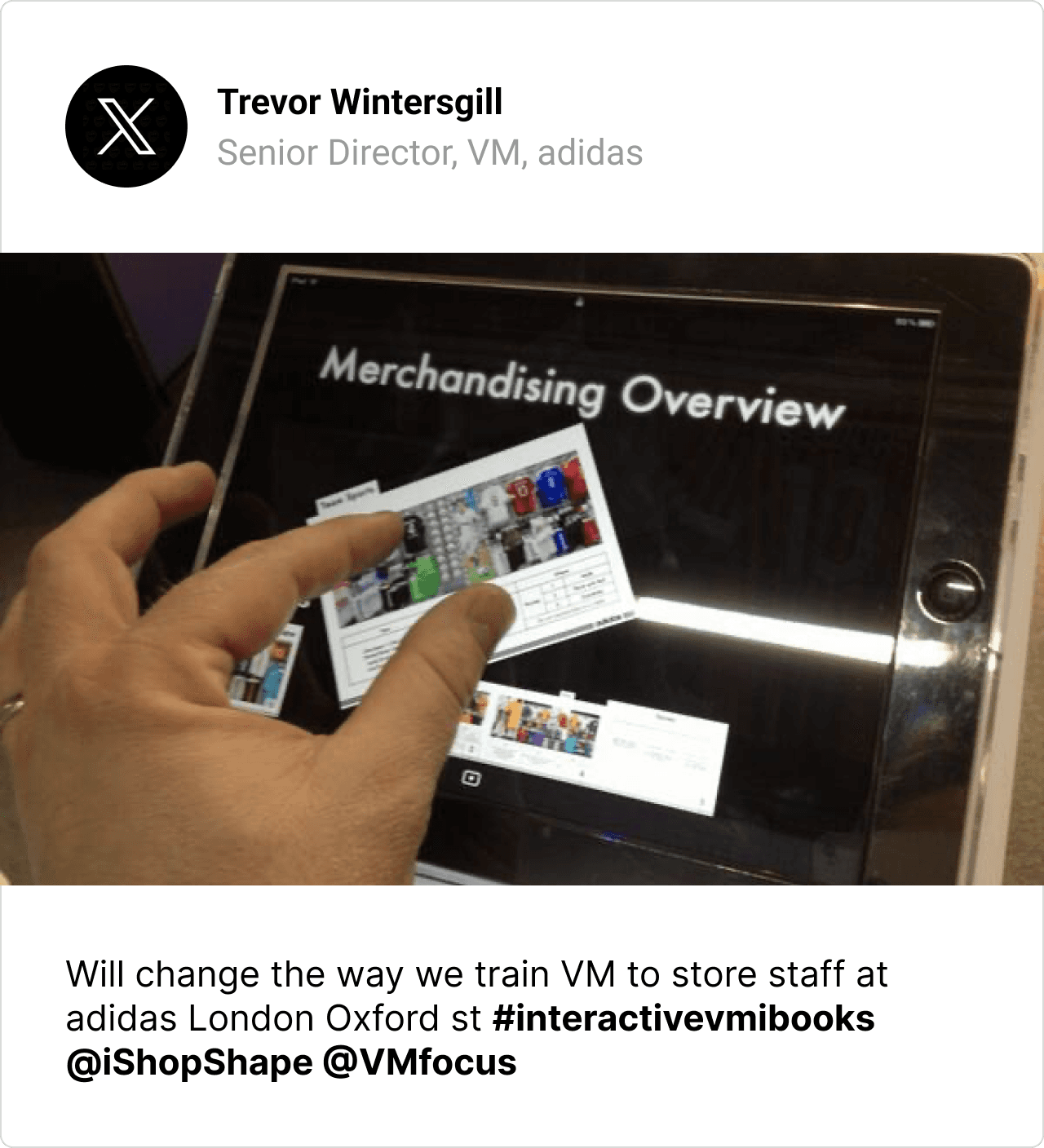
The final product is a set of interactive iPad guides that make VM learning practical, simple and repeatable. Employees can zoom into the exact store area they’re working on, learn the correct presentation technique and apply it immediately. The design system ensures consistency across chapters and future content additions.
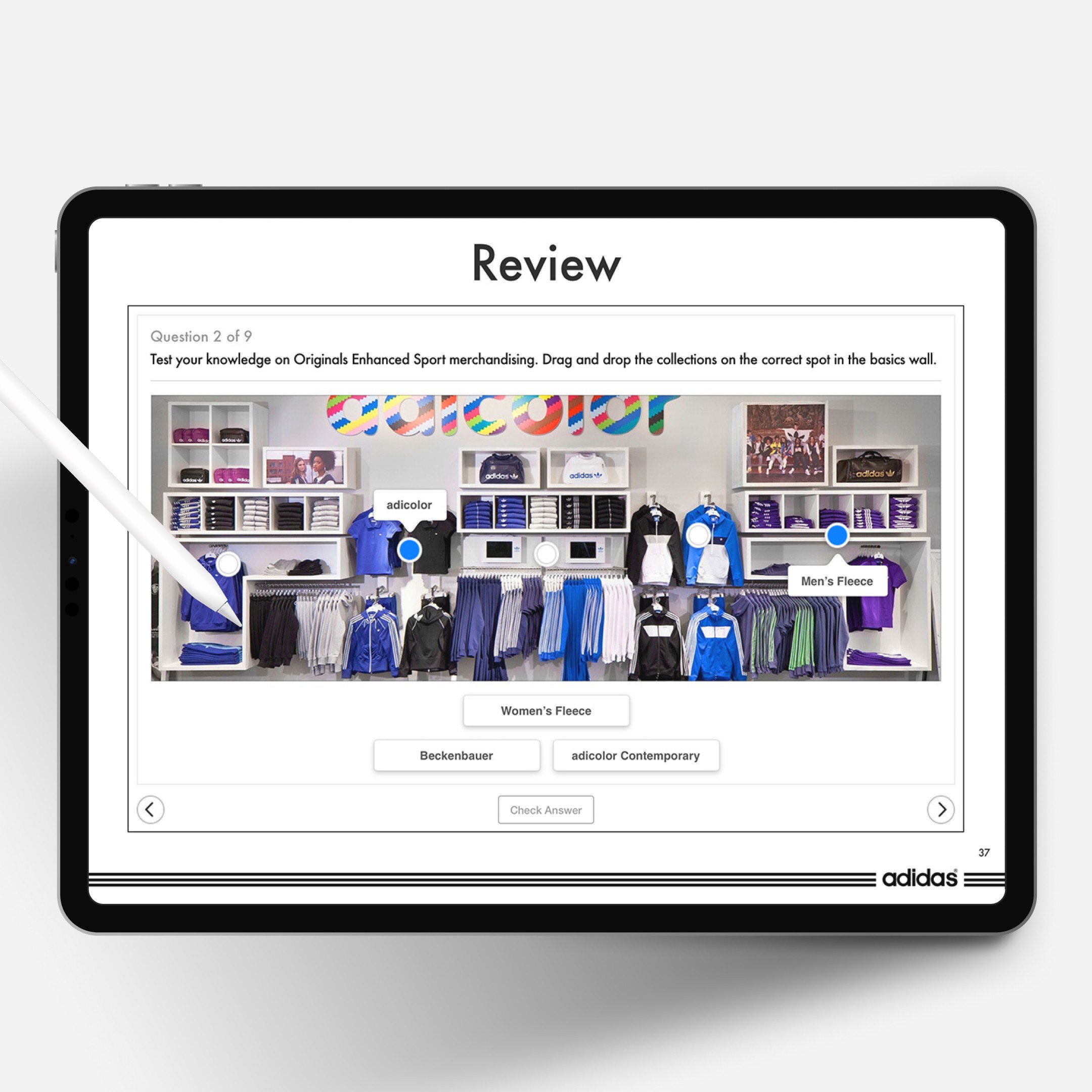
A notable addition was the review modules, introduced to help reinforce learning and validate understanding. They turned the guides from static reference material into an active learning tool. These were embraced by both local store managers and leadership.
 |  |
Reflection
This project reinforced that teaching systems always work best when they meet people where they are. Store employees needed clarity, not more instruction. They needed guidance in context, not training detached from the shop floor. Designing for real environments shaped everything. When tools respect the time, pace and realities of the people using them, they become part of the work rather than something that interrupts it.
The work behind the work
For the curious minds: how the sausage is made (but prettier). Process, decisions, prototypes, the whole thing.
Select a case study…